Introducing DeepVectorBlur
Vector motion blurfor CG compositing.
Use actual data from your Motion and Depth passes like it wasn't possible before, for a workflow that enables post compositing blur that overcomes the traditional limitations of Motion Vector workflows
- GPU acceleration
- CUDA rendering on supported NVIDIA GPUs, with CPU rendering available.
- Raw and normalized vectors
- Use raw floating-point or normalized motion vectors directly from your render passes.
- Depth-aware blur
- Add a depth pass to help keep foreground and background motion distinct.
- OpenFX support
- Available on Windows for OpenFX hosts, tested in Maxon Autograph.
macOS coming soon
Cleaner motion blur
where objects overlap.
After Effects / WindowsMotion vectors + optional depth
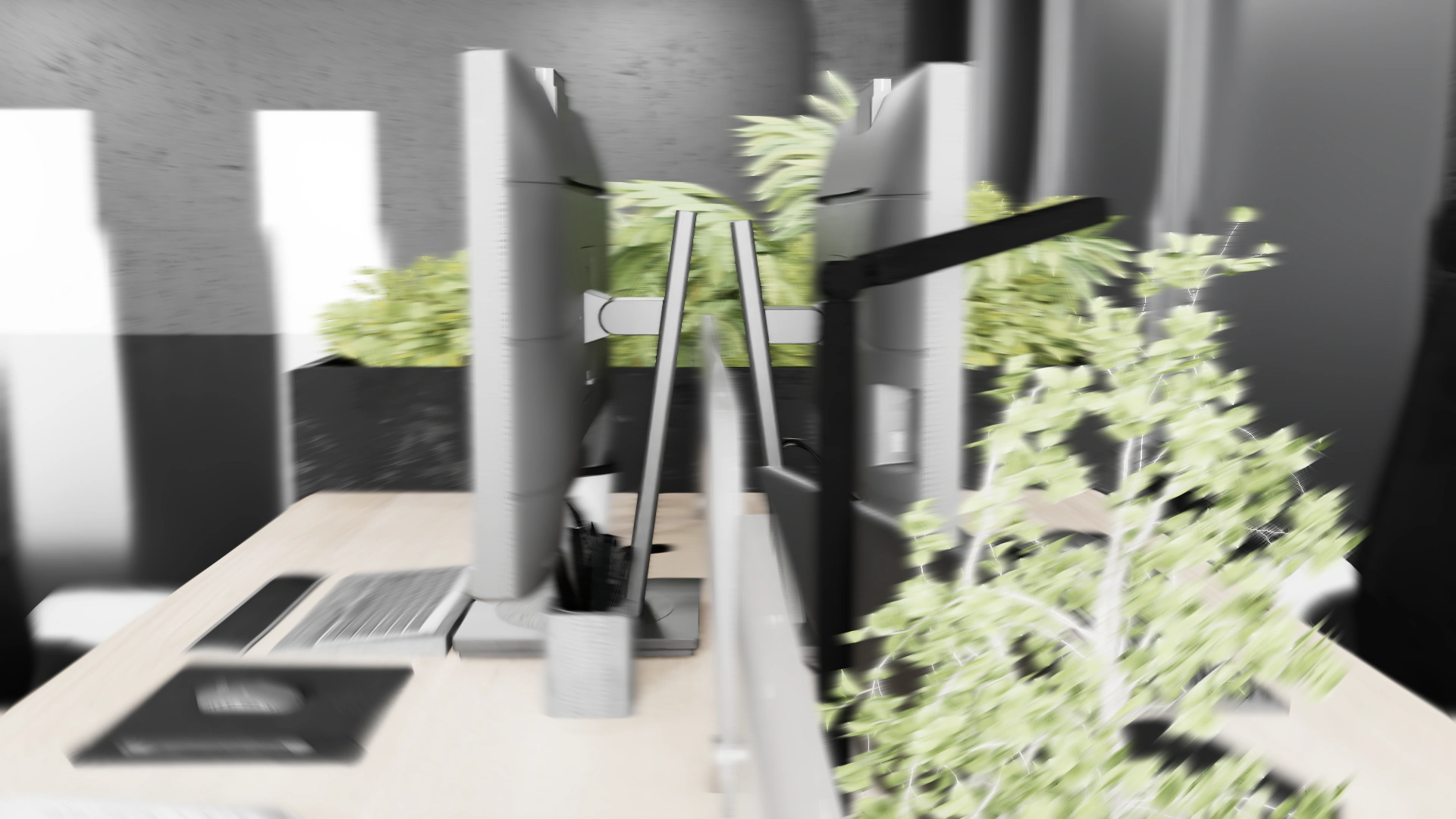

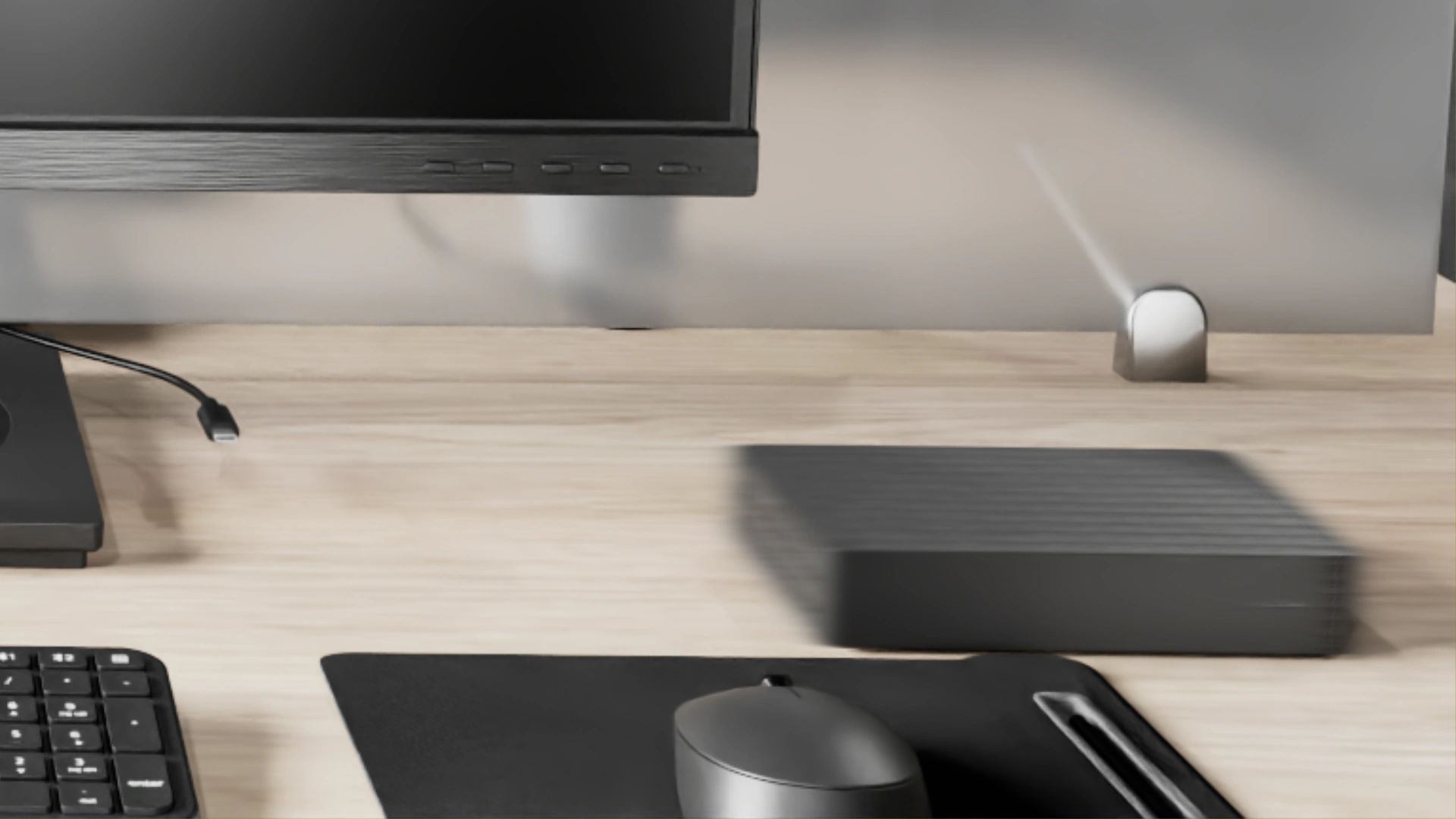
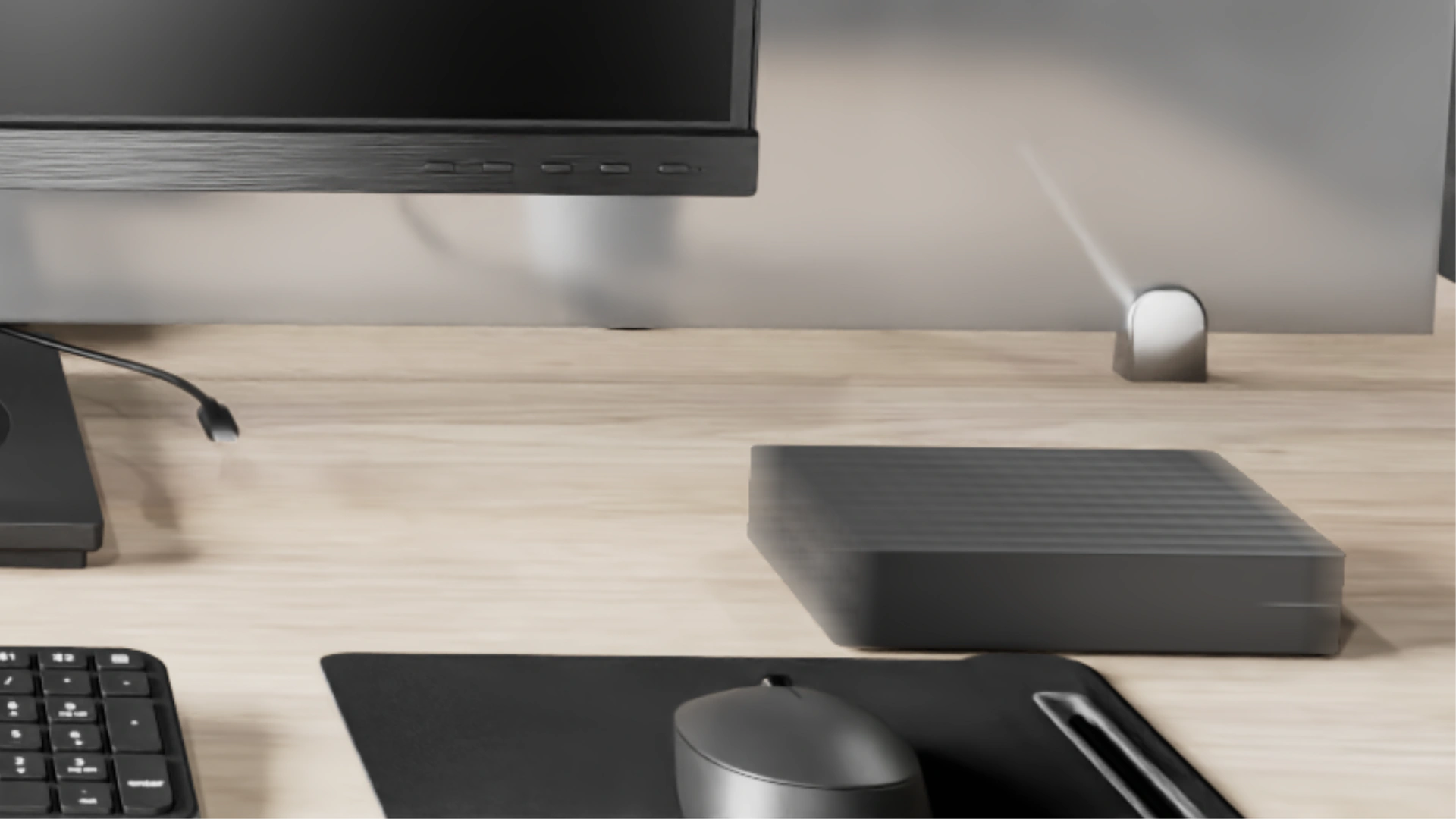
Watch the monitor edges and the foreground plant as you move the wipe.
Frequently asked questions
Using the plug-in
What does depth-aware motion blur do?
With a matching depth pass, DeepVectorBlur helps keep foreground motion from smearing into the background where objects overlap.
Which motion vector passes can I use?
Use normalized red/green vectors or a raw floating-point pass, such as OpenEXR. Choose the format that matches your pass in Vector Channel Mapping.
Which hosts and platforms are supported?
DeepVectorBlur is available for After Effects and OpenFX on Windows. The OpenFX build has been tested in Maxon Autograph. macOS support is coming soon.
Why does the trial show a watermark?
You can evaluate the effect with a watermark. Install a valid license for your machine to remove it.
Licensing
Is DeepVectorBlur a subscription?
DeepVectorBlur is a one-time purchase. The license includes 1.x updates.
Where do I find my hardware ID?
Apply DeepVectorBlur and open Options in After Effects or Options / License in OpenFX. Use Copy to copy the hardware ID.
Where does the license file go?
Place DeepVectorBlur.lic beside the .aex file for After Effects, or beside the .ofx file inside the OpenFX bundle’s Contents\Win64 folder. Restart your host and check the license status in the plug-in’s options.
How do I move my license to a different computer?
Copy the new machine’s hardware ID and use Transfer in your account to generate its license file. Each license includes three self-service transfers in any rolling 12-month period. Contact support for an exception.
How do I request a refund?
Contact support with your order details within 14 days of purchase.